Summary
Gives Claude direct access to VTK's rendering pipeline for scientific visualization without needing ParaView or a display server. You get 22 tools covering inspection, rendering, filtering, animation, and composition. Point it at OpenFOAM, VTK, CGNS, or any of 50+ mesh formats, then ask for isosurfaces, streamlines, volume renders, or cinematic animations. The physics layer understands vortex detection and stagnation points, so it can auto-annotate features in 3D space. The compose_assets tool builds multi-panel physics stories with LaTeX equations. All output is headless PNG, WebP, MP4, or glTF. Useful when you're iterating on simulation visualization in a chat interface instead of clicking through a GUI.


Keep your Mac awake while Claude Code and 40+ AI agents run. Sleeps when they're idle.
One time payment $9 →

Integrate web data into your AI product. One API to scrape website & brand data.
Get API Key Now →
Agent, run crypto. Access onchain data & trade routes via 1inch.
Install now →
On Capafy, your Skill runs online 24/7 as an agent product, and you get paid every time someone uses it.
Start earning →
viznoir
VTK is all you need. Cinema-quality science visualization for AI agents.





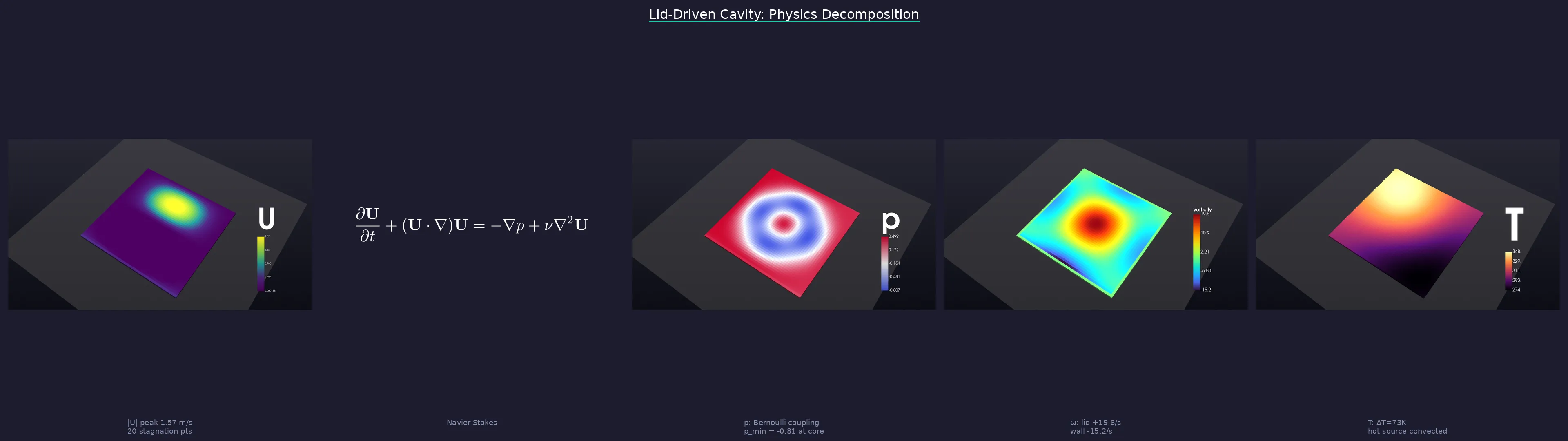
One prompt → physics analysis → cinematic renders → LaTeX equations → publication-ready story.
What it does
An MCP server that gives AI agents full access to VTK's rendering pipeline — no ParaView GUI, no Jupyter notebooks, no display server. Your agent reads simulation data, applies filters, renders cinema-quality images, and exports animations, all headless.
Works with: Claude Code · Cursor · Windsurf · Gemini CLI · any MCP client
Quick Start
1. Install
pip install viznoir

# With optional extras
pip install "viznoir[mesh]"       # meshio + trimesh (50+ formats)
pip install "viznoir[composite]"  # Pillow + matplotlib (split_animate)
pip install "viznoir[all]"        # everything
Requires Python ≥3.10. VTK wheel auto-installed (EGL headless rendering supported).
2. Verify
mcp-server-viznoir --help    # server entry point
python -c "import viznoir; print(viznoir.__version__)"
3. Use with an MCP client
Add to your MCP client config (claude_desktop_config.json, ~/.cursor/mcp.json, etc.):
{
  "mcpServers": {
    "viznoir": {
      "command": "mcp-server-viznoir",
      "env": {
        "VIZNOIR_DATA_DIR": "/path/to/your/simulation/data",
        "VIZNOIR_OUTPUT_DIR": "/path/to/output"
      }
    }
  }
}
Then ask your AI agent:
"Open cavity.foam, render the pressure field with cinematic lighting, then create a physics decomposition story."
4. Or use as a Python library (advanced)
All tool implementations are importable as async functions. You provide a VTKRunner and await the result:
import asyncio
from viznoir.core.runner import VTKRunner
from viznoir.tools.inspect import inspect_data_impl
from viznoir.tools.render import render_impl

async def main():
    runner = VTKRunner()

    meta = await inspect_data_impl(file_path="cavity.foam", runner=runner)
    print(meta["fields"], meta["timesteps"])

    result = await render_impl(
        file_path="cavity.foam",
        field_name="p",
        runner=runner,
        colormap="Cool to Warm",
        camera="isometric",
        width=1920, height=1080,
        output_filename="pressure.png",
    )
    print(result.file_path)

asyncio.run(main())
See docs for the full tool reference.
Capabilities
| Category | Tools |
|---|---|
| Rendering | render · cinematic_render · batch_render · volume_render |
| Filters | slice · contour · clip · streamlines · pv_isosurface |
| Analysis | inspect_data · inspect_physics · extract_stats · analyze_data |
| Probing | plot_over_line · integrate_surface · probe_timeseries |
| Animation | animate · split_animate |
| Comparison | compare · compose_assets |
| Export | preview_3d · execute_pipeline |
22 tools · 12 resources · 4 prompts · 50+ file formats (OpenFOAM, VTK, CGNS, Exodus, STL, glTF, …)
Showcase — 10 Domains, One Pipeline
Every frame below is a single MCP tool call. No GUI, no post-processing, no ParaView. Annotations are rendered inside the 3D scene via VTK-native text actors and leader lines — no Photoshop, no matplotlib overlay.
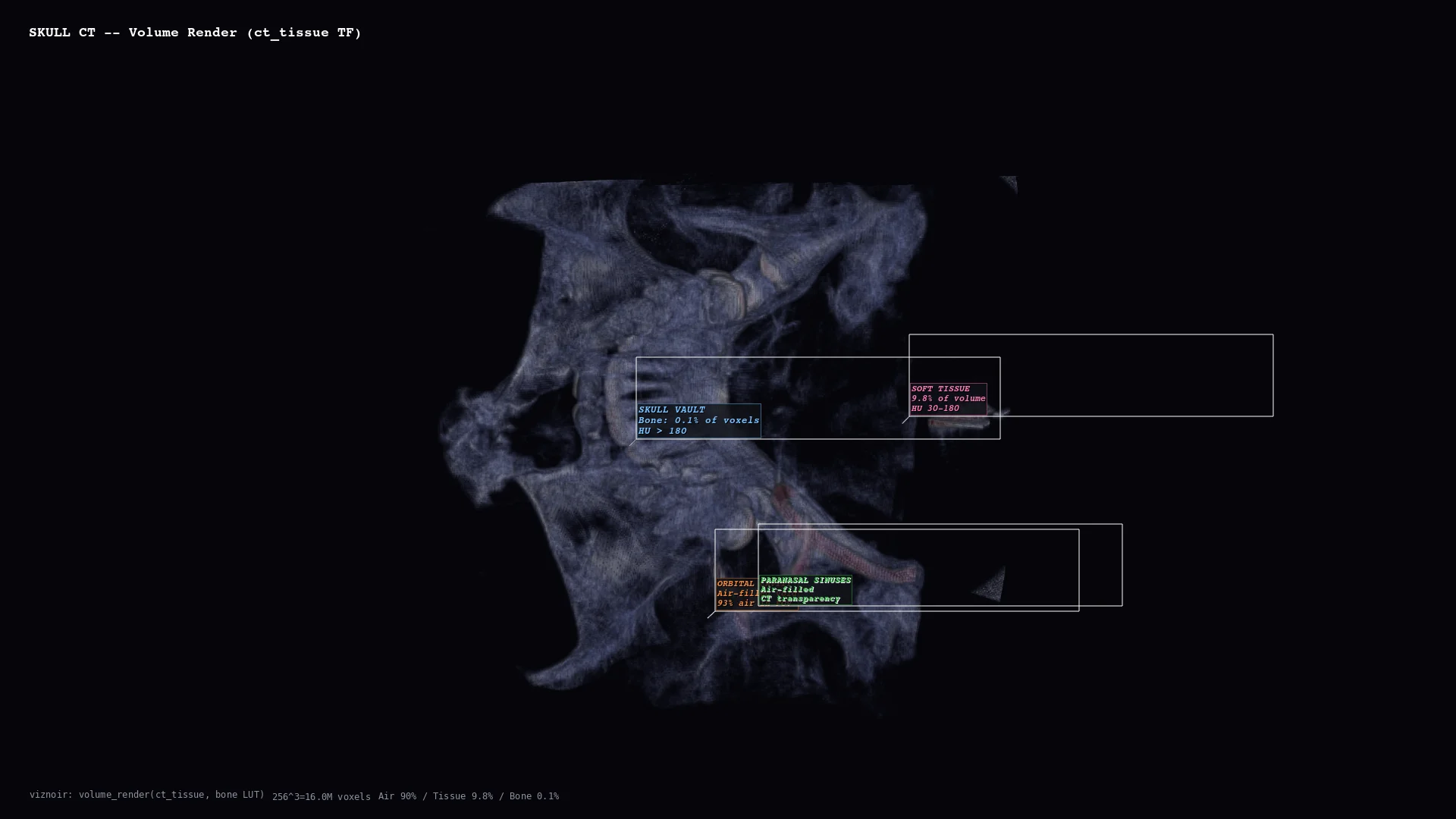 | 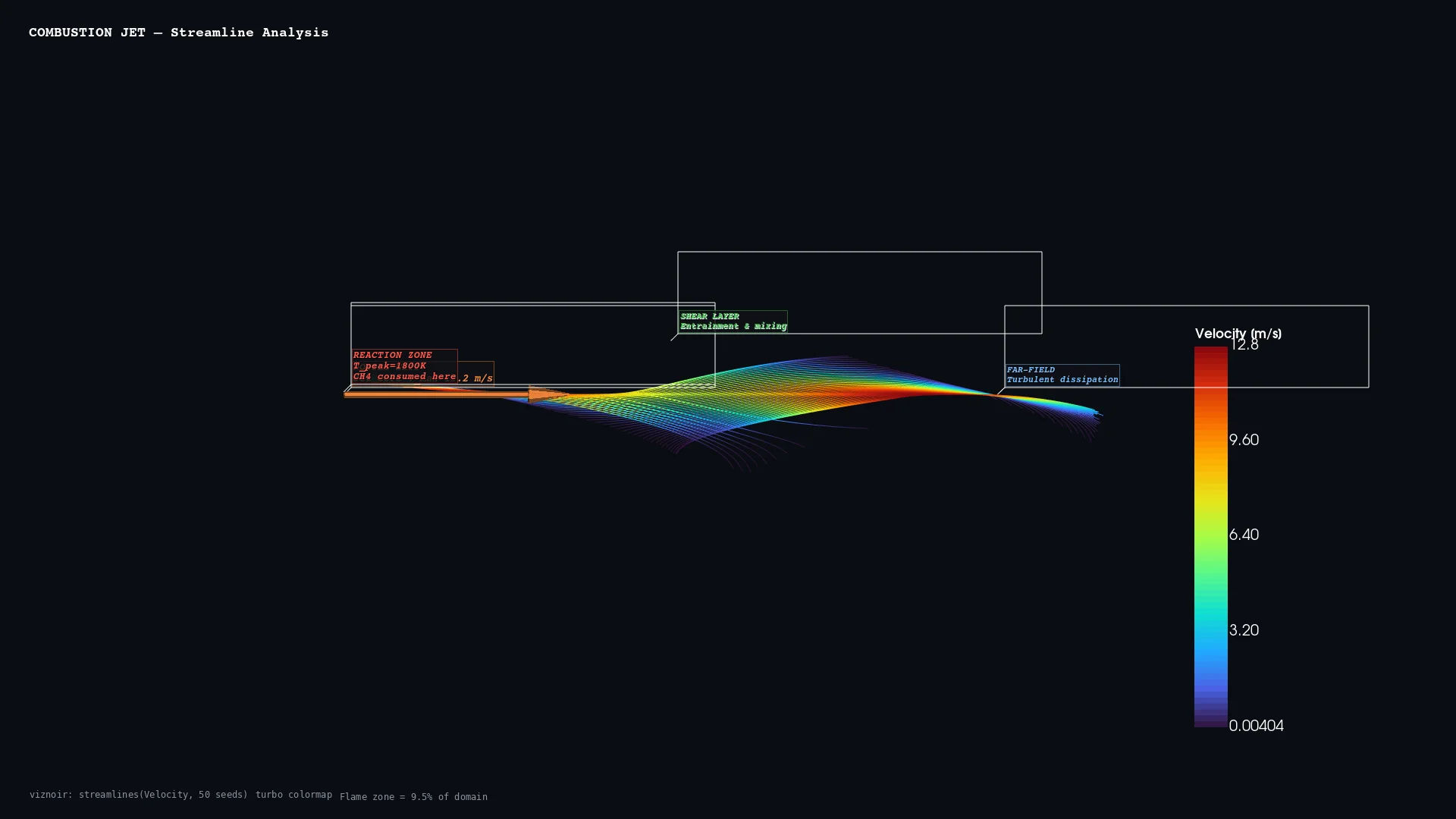 | 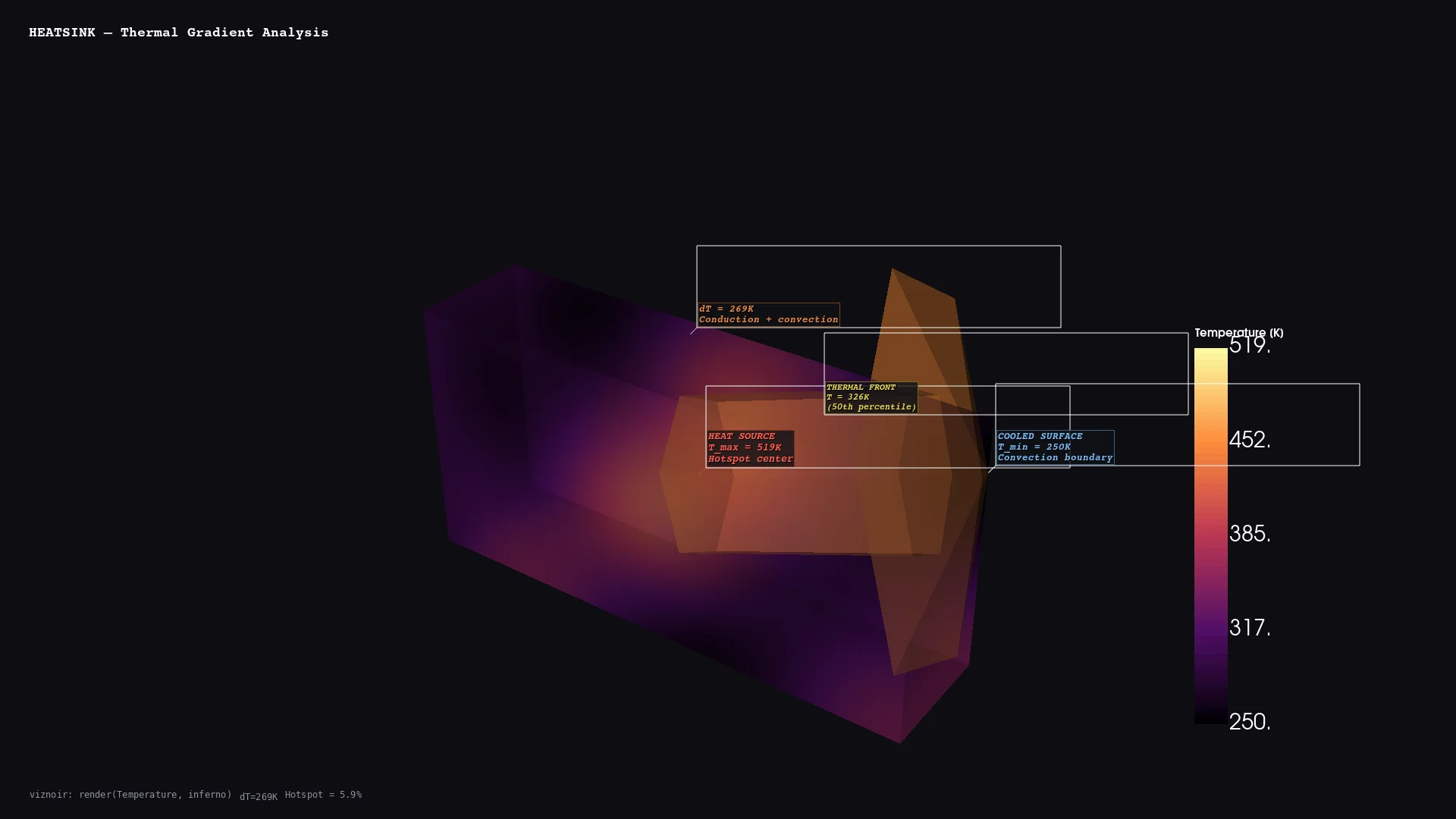 | 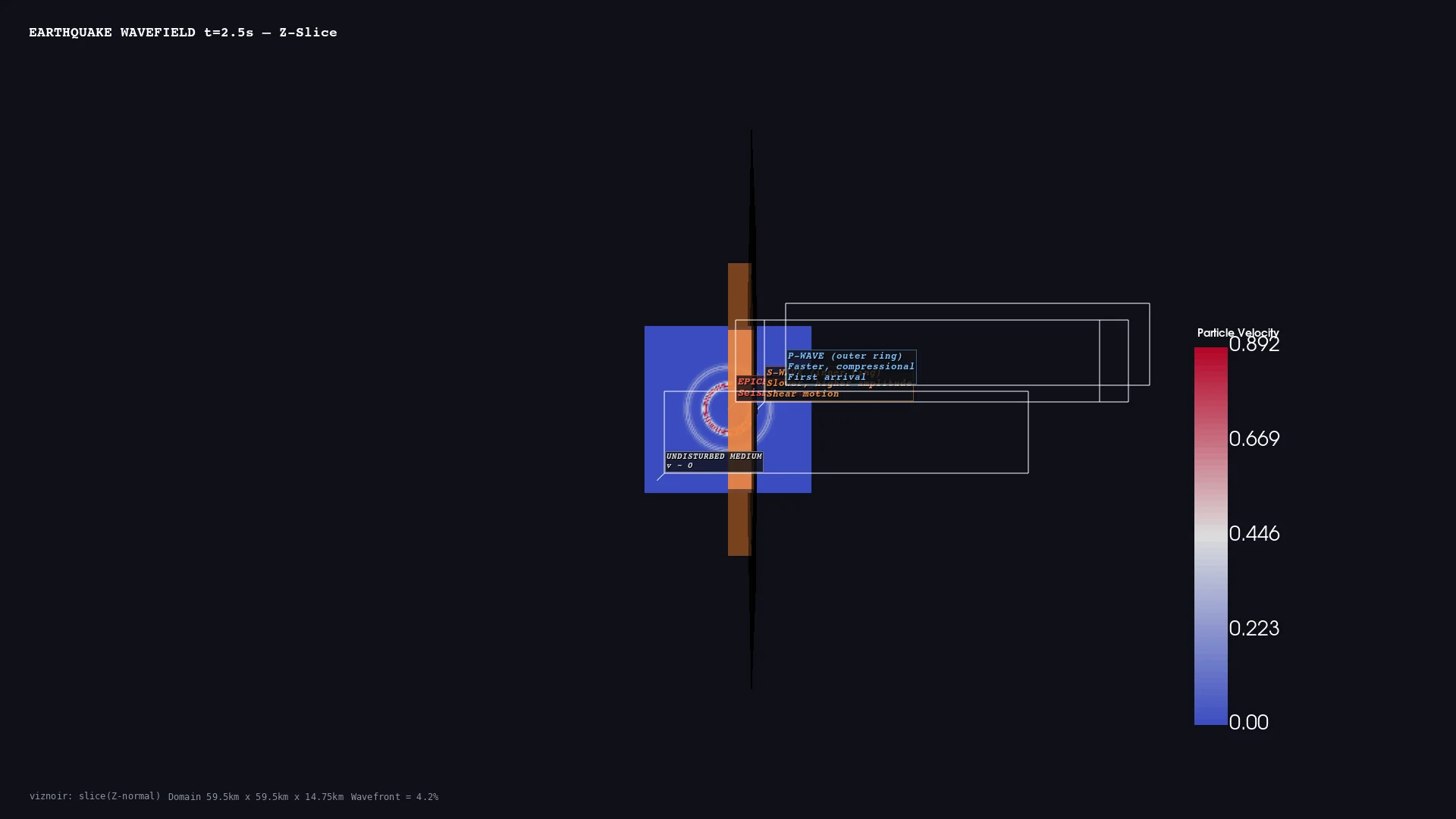 | 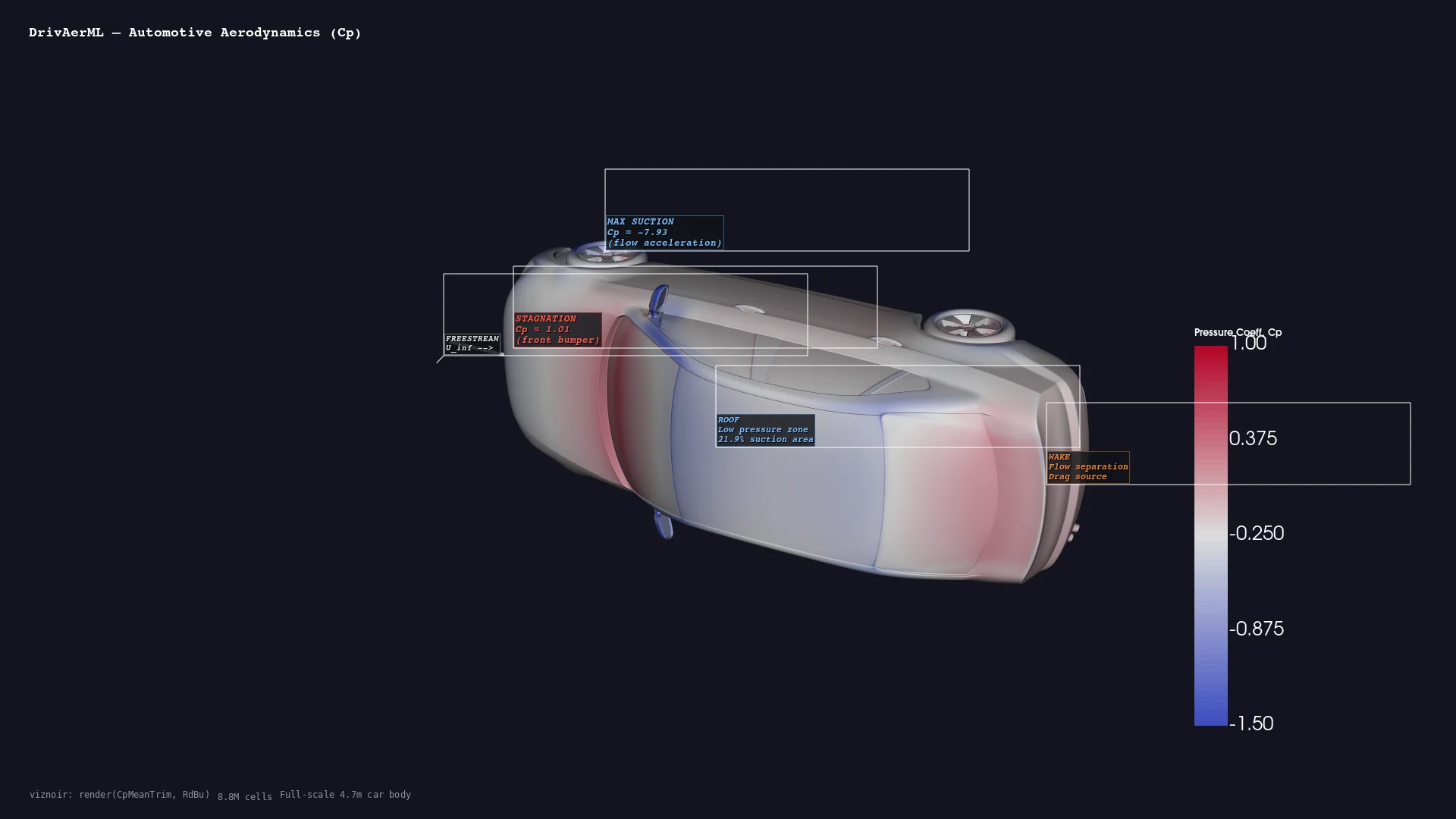 |
| Medical CT skull volume | CFD Combustion streamlines | Thermal Heatsink gradient | Geoscience Seismic wavefield | Automotive DrivAerML · 8.8M cells |
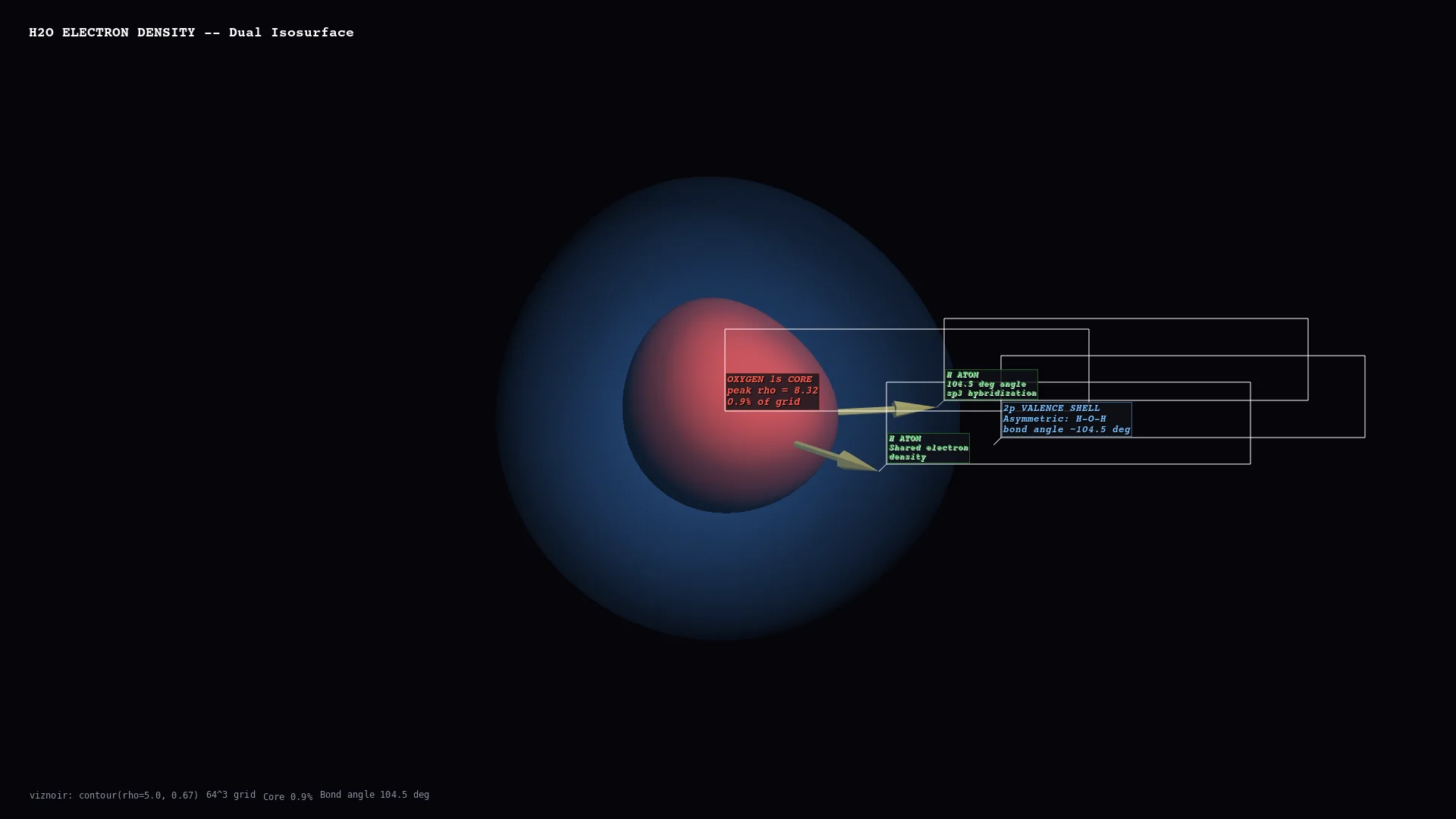 | 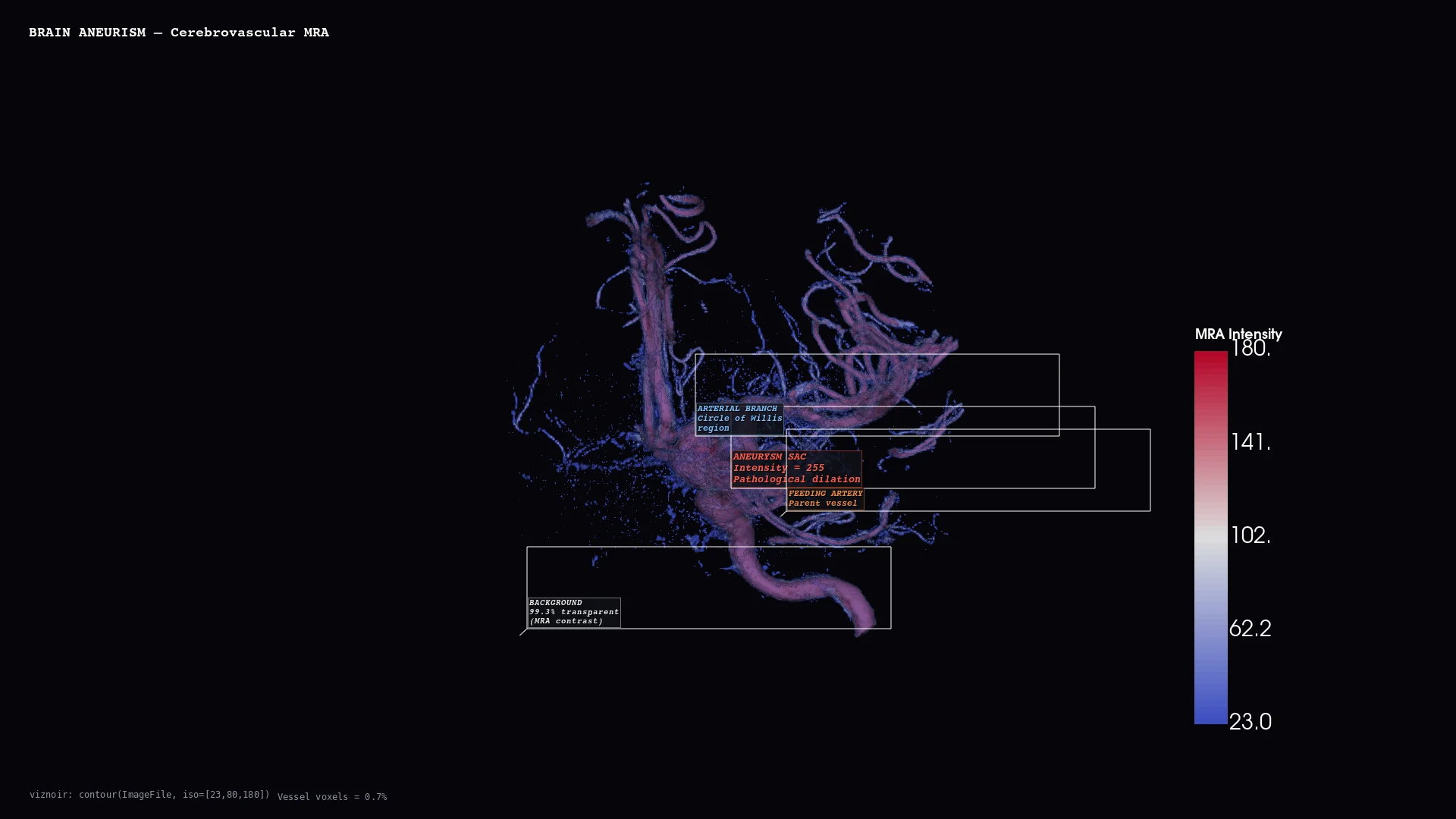 | 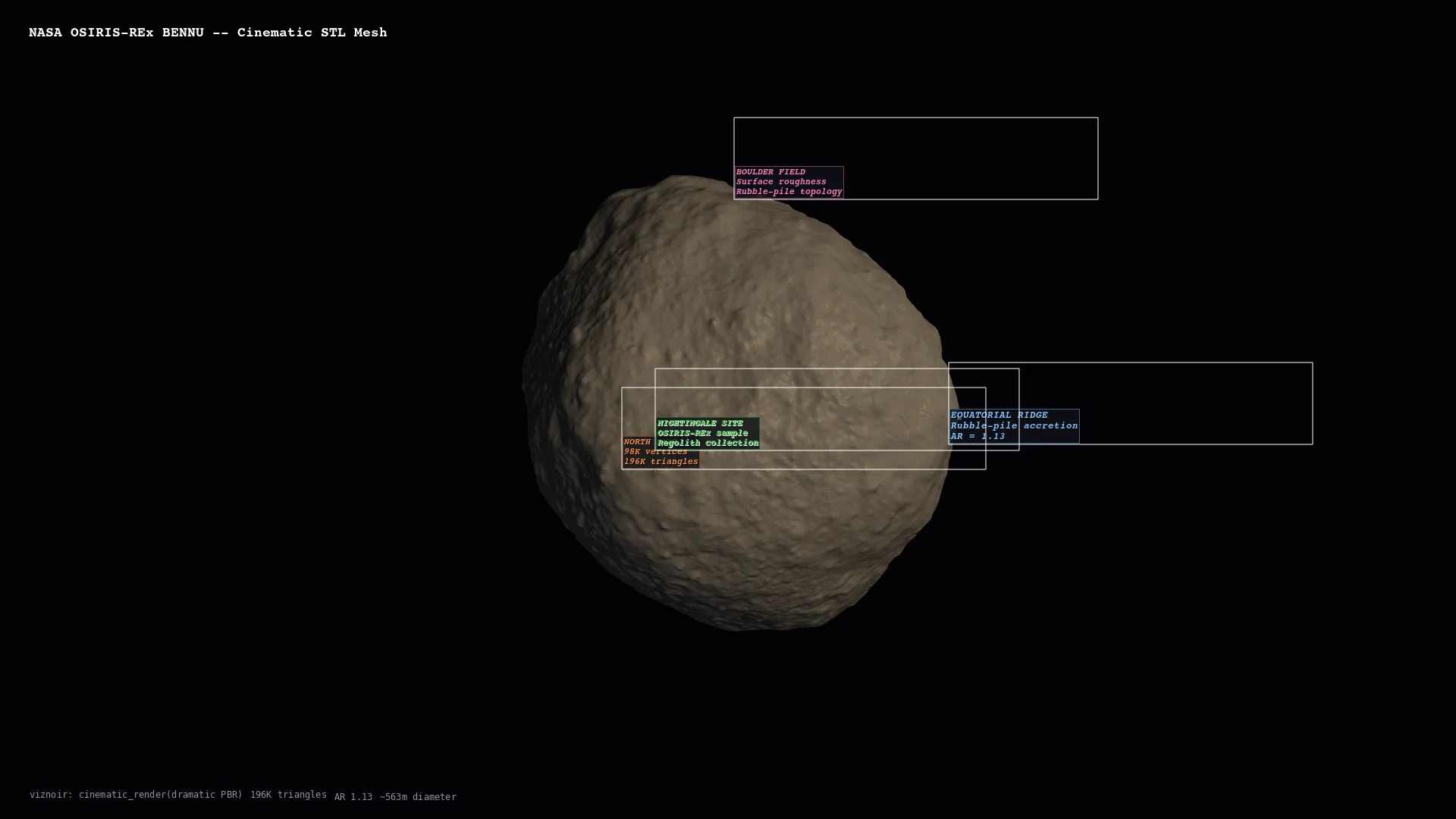 | 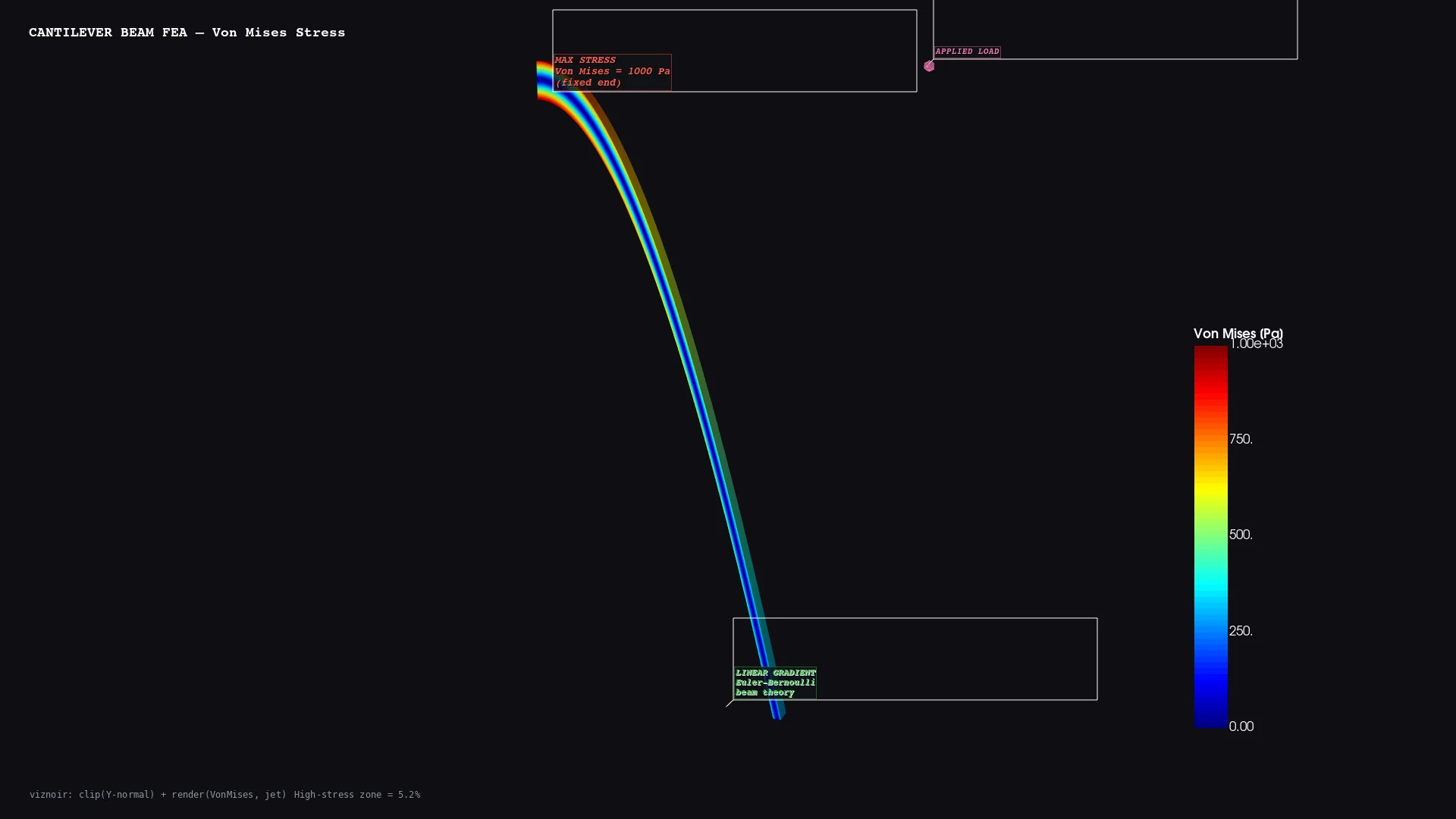 | 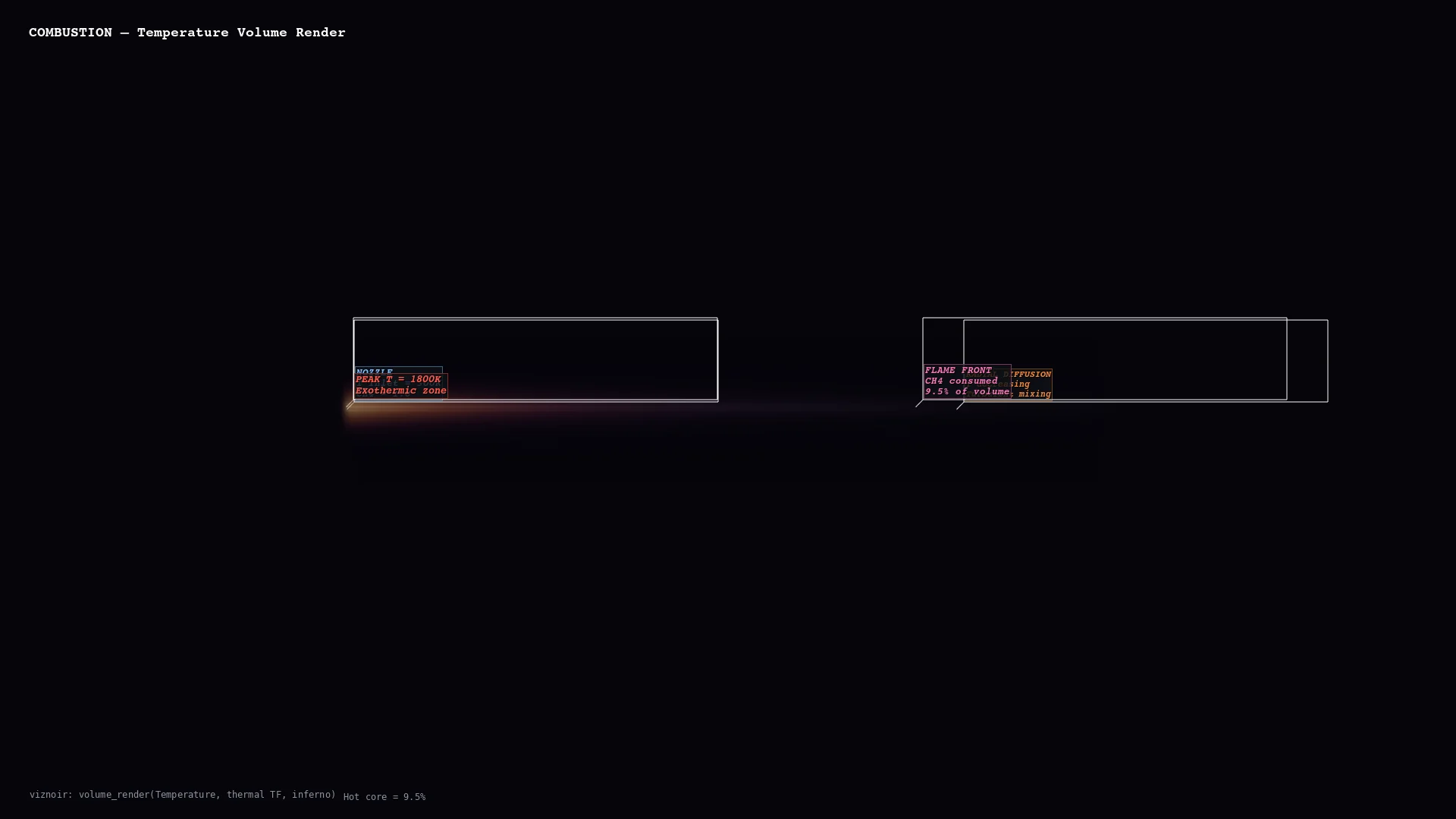 |
| Molecular H₂O electron density | Vascular Cerebral aneurysm MRA | Planetary Bennu · 196K triangles | Structural Cantilever FEA stress | Volume Thermal threshold |
Physics-Aware Animations
Seven presets convert raw simulation data into publication-ready motion — each binds a rendering primitive to a physical phenomenon.
| Preset | Physics | Rendering |
|---|---|---|
streamline_growth | Lagrangian advection | Particle path-line extension over time |
clip_sweep | Pressure gradient cross-section | Moving clip plane |
layer_reveal | CT density classification | Progressive isosurface stacking |
iso_sweep | Orbital topology | Isovalue sweep with camera orbit |
warp_oscillation | Structural mode shape | Warp-by-vector harmonic displacement |
light_orbit | Oblique illumination | Rotating key light for material reveal |
threshold_reveal | Feature hierarchy | Threshold peeling from outside → in |
Story Composition (compose_assets)
Inspect → render → annotate → compose → narrate. One prompt produces a 4-panel physics decomposition with LaTeX-rendered governing equations.
Layouts: story (vertical narrative) · grid (N×M comparison) · slides (16:9 keynote) · video (MP4 with transitions)
Full interactive gallery: https://kimimgo.github.io/viznoir/#showcase
Architecture
  prompt                    "Render pressure from cavity.foam"
    │
  MCP Server                22 tools · 12 resources · 4 prompts
    │
  VTK Engine                readers → filters → renderer → camera
    │                       EGL/OSMesa headless · cinematic lighting
  Physics Layer             topology analysis · context parsing
    │                       vortex detection · stagnation points
  Animation                 7 physics presets · easing · timeline
    │                       transitions · compositor · video export
  Output                    PNG · WebP · MP4 · GLTF · LaTeX
Numbers
| 22 MCP tools | 24 VTK filters |
| 10 domains | 19 native file formats |
| 6/6 VTK data types | 50+ formats via meshio |
Documentation
Homepage: kimimgo.github.io/viznoir
Developer docs: kimimgo.github.io/viznoir/docs — full tool reference, domain gallery, architecture guide
License
MIT
Featured
Keep your Mac awake while Claude Code and 40+ AI agents run. Sleeps when they're idle.
One time payment $9 →Integrate web data into your AI product. One API to scrape website & brand data.
Get API Key Now →Agent, run crypto. Access onchain data & trade routes via 1inch.
Install now →On Capafy, your Skill runs online 24/7 as an agent product, and you get paid every time someone uses it.
Start earning →Configuration
VIZNOIR_RENDER_BACKENDRendering backend: gpu, cpu, or auto
VIZNOIR_OUTPUT_DIROutput directory for rendered images
Categories
Registryactive
Packageviznoir
TransportSTDIO
UpdatedJun 3, 2026


